1qqq App: Play Slots & Crash Games on Your Phone
The 1qqq app brings the full casino experience to Android. Deposit with bKash in under 4 minutes, spin slots, play crash games, and withdraw to Nagad — all from one lightweight APK. Free to download, no sign-up fee.
- 18+
- SSL Encrypted
- 24/7 Support
- bKash · Nagad
Security: What the 1qqq App Asks For & Why
Before installing any APK outside the Google Play Store, it is reasonable to ask what permissions the app requests. The 1qqq app requests only the four categories listed below. No permission gives it access to contacts, camera, or microphone.
Internet Access
Required to load game assets, process bKash/Nagad deposits, and connect to 24/7 live chat support. The app does not send data in the background when you are not actively using it. All connections use TLS 1.2 or higher, the same standard your bank app uses.
Storage (Read/Write)
Needed to cache game thumbnails and save the downloaded APK itself to your internal storage during updates. The app writes only to its own private folder under /Android/data/. It cannot read photos, documents, or files outside that folder.
Push Notifications
Optional. If you allow it, the app sends alerts for deposit confirmations, withdrawal status, and reload bonus reminders. You can turn this off at any time in Android Settings → Apps → 1qqq → Notifications without affecting gameplay or payouts.
Vibration
Used for tactile feedback during spin results and crash game multiplier hits — the same as any mobile game. No personal data is involved. The app does not access the accelerometer beyond this standard vibration call.
The APK file is scanned for malware before each release. You can verify the SHA-256 hash of the downloaded file against the value shown on your download confirmation page.
System Requirements & Current Version Details
Check the table below before downloading. The 1qqq app is designed to run smoothly on mid-range Android phones sold in Bangladesh — no flagship device needed.
| Field | Detail | Notes |
|---|---|---|
| App Version | 2.1.19 | Current stable release |
| File Name | 1qqq1qqq.apk | Direct APK — not a Play Store install |
| File Size | 32 MB | Downloads in under 60 s on a 10 Mbps connection |
| Minimum Android | Android 8.0 (Oreo) | Compatible with most phones from 2018 onward |
| Last Updated | 5 Nov 2026 | Includes Crash Goal multiplier fix |
| Price | Free | No download fee or subscription |
| Language | English / Bangla | Switch in Settings → Language |
| iOS Support | Web App (PWA) | Use Safari → Add to Home Screen on iPhone |
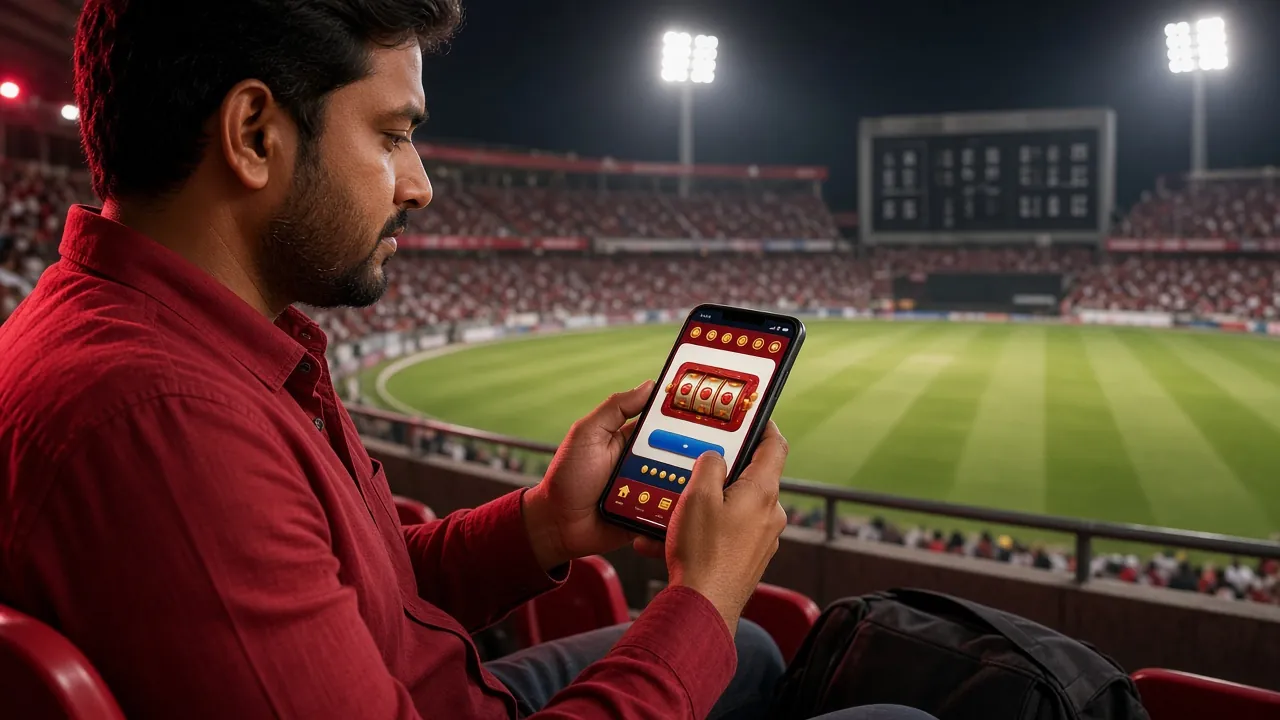
App vs Browser: Which One Fits Your Play Style?
Both the 1qqq app and the mobile website give you full access to the game library. The table below shows where each option has the edge, so you can choose without guessing.
| Feature | 1qqq App (APK) | Mobile Browser | Desktop Browser |
|---|---|---|---|
| Game loading speed | Faster — assets cached locally | Standard — reloads on each visit | Standard — depends on connection |
| Push notifications | Deposit & withdrawal alerts | Not available | Not available |
| bKash quick-pay | One-tap redirect to bKash app | Works via browser | Desktop bKash not available |
| Offline game pre-load | Lobby thumbnails cached | Requires active connection | Requires active connection |
| Fingerprint login | Android biometric supported | Not available | Not available |
| Auto-update | Manual — download new APK when prompted | Always latest version | Always latest version |
| Screen space for games | Full-screen mode — no browser chrome | Address bar takes ~50 px | Best for multi-window setups |
| Data usage per session | Lower — game assets cached after first run | Higher — partial cache | Standard |
If you use bKash and play regularly, the app saves time on every session. If you prefer not to install anything, the mobile browser works without any setup.
What You Can Play Inside the 1qqq App
The 1qqq app gives you access to slots, crash games, live casino tables, fishing games, and sports betting — all from providers like JILI, JDB, PG Soft, Spribe, and KA Gaming. Here is what each category looks like in practice.

Slot Games
Over 4,800 slot titles including JILI's Golden Bank (RTP 97.8%) and JDB's Jackpot Bingo (RTP 97.2%). Minimum bet starts at ৳1. The app loads each game in under 3 seconds on a 4G connection. Spin history and bet records sync with your web account.

Crash Games
PG Soft's Crash Goal lets you set an auto-cashout multiplier before the round starts — useful when you are on a moving bus or rickshaw and cannot watch the screen continuously. Minimum bet ৳1, maximum ৳5,000 per round.
Live Tables
Spribe's Double Exposure Blackjack streams at 1080p — the app's hardware-accelerated renderer keeps frames smooth even on a Redmi or Symphony phone. RTP is 97.5%. Stakes run from ৳10 to ৳20,000 per hand.
Fishing Games
KA Gaming's Bingo Fishing is the most-played fishing title on 1qqq. The touch controls on the app are noticeably better than on a browser — aim, shoot, and reel in with a tap. RTP 96.9%, bets from ৳2 to ৳10,000.
bKash & Nagad Deposits
Tap Deposit → choose bKash or Nagad → the app hands off to your mobile banking app automatically. Funds reach your 1qqq wallet in roughly 4 minutes. Minimum deposit ৳150. Withdrawal minimum is ৳1,200, processed in about 27 minutes.
Bonuses Work on the App Too
Your 145% first-deposit welcome bonus (up to ৳20,000) applies whether you register on the app or on the website. Daily 1.3% cashback and 16% reload bonuses are visible under the Promotions tab inside the app. Wagering requirement: 18× bonus amount.
Installing the 1qqq APK on Android: 5 Steps
Android blocks apps from outside the Play Store by default. You need to allow "Install unknown apps" once — it takes about 15 seconds. Follow the steps below in order.
-
1
Allow Installation from Unknown Sources
Open Android Settings → Apps & Notifications → Special App Access → Install Unknown Apps. Find the browser or file manager you will use to open the APK (e.g., Chrome or Mi File Manager) and toggle "Allow from this source" to ON. This setting applies only to that one app — it does not lower security for the entire phone. You can turn it off again after installation if you prefer.
-
2
Download the APK File
Tap the Download APK button on this page. Your browser will save
1qqq1qqq.apk(32 MB) to your Downloads folder. On a typical Grameenphone 4G connection this takes around 30–45 seconds. Do not close the browser tab before the download finishes — a partial APK will not install. -
3
Open the APK from Your Downloads Folder
Pull down the notification shade — you will see "1qqq1qqq.apk download complete." Tap it. If the notification has disappeared, open your phone's Files or Downloads app, navigate to the Download folder, and tap
1qqq1qqq.apk. Android will show an install confirmation screen with the app icon and name. -
4
Confirm and Install
Tap Install on the Android confirmation screen. The installation takes 5–10 seconds. When it finishes, you will see "App installed." You do not need to restart your phone. The 1qqq icon will appear on your home screen and in the app drawer. If Android shows a "Play Protect" warning, tap "Install anyway" — this warning appears for all APKs not distributed through the Play Store.
-
5
Log In or Register to Start Playing
Open the 1qqq app. If you already have an account, tap Log In, enter your phone number and password, and you are inside the game lobby in seconds. New users tap Register — the form asks for phone number, password, and referral code (optional). After registration, make your first deposit of ৳150 or more to unlock the welcome bonus. See the registration guide for a step-by-step walkthrough.
iPhone Users: Add 1qqq to Your Home Screen
Apple does not allow casino APKs. Use Safari to get a near-native experience:
- Open Safari and go to 1qqq1qqq.net.
- Tap the Share icon (box with an arrow pointing up).
- Scroll down and tap Add to Home Screen.
- Name it "1qqq" and tap Add. The icon appears on your home screen.
- Open from the home screen icon — it launches in full-screen mode without Safari's address bar.
Get the File: Direct APK Download
Use the button below to start downloading. The file is served from the 1qqq CDN — no third-party mirror, no ad redirects.
After downloading, follow the 5-step install guide above. If your phone asks about Play Protect, tap "Install anyway" — this is standard for all sideloaded APKs.
Install Failed? Common Problems and How to Fix Them
Most install failures have a straightforward fix. Find your error message in the table below.
| Error / Symptom | Most Likely Cause | Fix |
|---|---|---|
| "App not installed" | An older version of the 1qqq app is already on the phone, and the new APK's signature does not match the cached install data. | Go to Settings → Apps → find any existing 1qqq app → Uninstall it completely. Then run the new APK installer again. Your account data is stored server-side, so uninstalling the app does not affect your balance or history. |
| "Installation blocked" or "Unknown apps not allowed" | The "Install unknown apps" toggle is not enabled for the browser or file manager you are using to open the APK. | Go to Settings → Apps & Notifications → Special App Access → Install Unknown Apps. Find the app you used to download (e.g., Chrome) and enable "Allow from this source." Then tap the APK file again. |
| Download stops at 60–90% | Unstable mobile data connection (common on Robi/Banglalink in rural areas) or low storage space. | Connect to Wi-Fi if available. Check that your phone has at least 100 MB of free storage (Settings → Storage). Clear the partial download from your Downloads folder and restart the download from this page. |
| App installs but crashes on launch | Android version below 8.0, or a Samsung/Xiaomi device-specific compatibility issue with the app's graphics renderer. | Check your Android version in Settings → About Phone. If it is below 8.0, the app is not supported — use the mobile browser instead. On Samsung devices, disable "Battery optimisation" for the 1qqq app (Settings → Battery → App Power Management). |
| Games load but show a blank screen | WebView component on your phone is outdated. Many older Symphony, Walton, and Lava phones ship with an old system WebView. | Open the Play Store, search "Android System WebView," and tap Update. After updating, restart the 1qqq app. This fix resolves blank-screen issues on about 90% of affected devices. Contact live chat at [email protected] if the issue persists. |
Questions About the 1qqq App, Answered
01 Is the 1qqq APK safe to install on my phone?
02 My Android version is 7.1 — can I still use 1qqq?
03 How do I update the app when a new version comes out?
04 Can I use the same account on both the app and the website?
05 Does the 1qqq app work on a tablet?
06 What happens to my welcome bonus if I register on the app?
07 The app shows "Connection error" even though my internet is working — what should I do?
Need Help?
24/7 live chat is available inside the app and on the website. For install issues, include your Android version and phone model in the message.
Email SupportDeposits & Withdrawals Work the Same on the App
All five payment methods supported on the website are also available inside the 1qqq app. Minimum deposit ৳150.
- bKash Deposit ~4 min Withdraw ~27 min
- Nagad Deposit ~4 min Withdraw ~27 min
- Rocket Deposit ~4 min Withdraw ~27 min
- Upay Deposit ~4 min Withdraw ~27 min
- Bank Transfer Deposit ~4 min Withdraw ~27 min
18+ · Play Responsibly. The 1qqq app is intended for adult players in Bangladesh. If gambling is affecting your daily life, visit our Responsible Gaming page for guidance and self-exclusion options.